Roles & approvals
Who may approve.
Policies go through a defined approval workflow, are versioned and acknowledged by employees. Documents and evidence are kept with all their versions in the same place.
Every policy has its own approval workflow with approvers in a fixed order. A new version only takes effect once all approvers have approved it; the person who submitted it cannot approve it themselves.
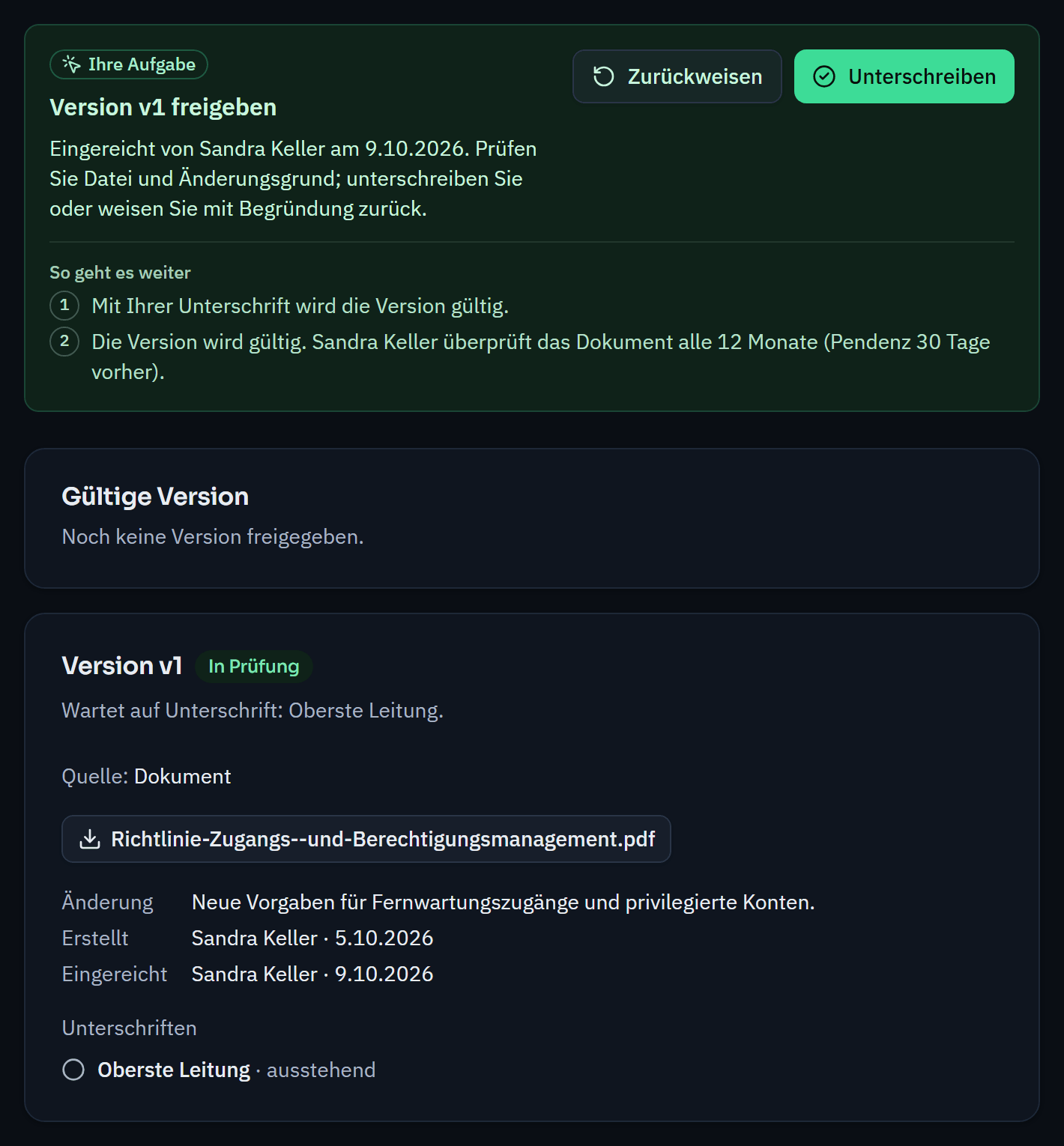
Anyone who needs to read a policy gets a task and confirms that they have read it. The dashboard shows how many acknowledgements are missing.
If you have already approved policies outside Varmo, you adopt the first version with its date and evidence. The four-eyes principle applies here too: a second person from the approver role confirms the adoption, and only then does the version take effect.
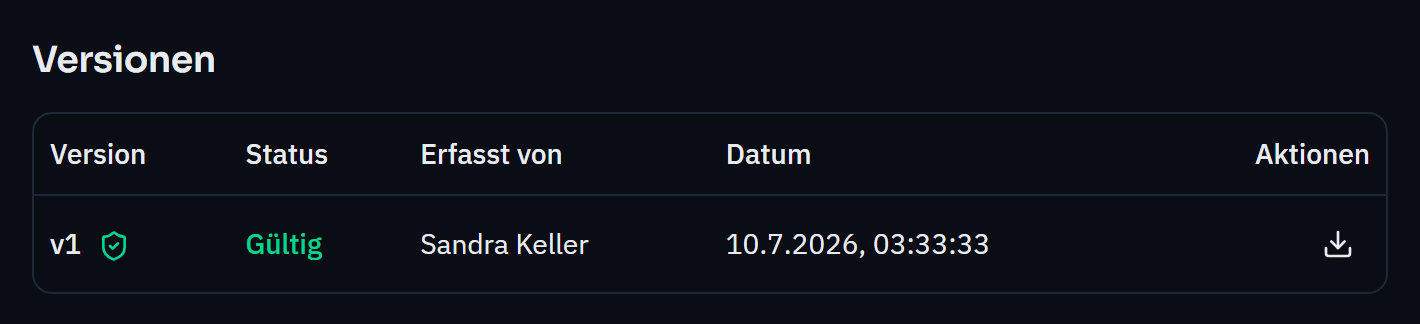
Procedures, contracts, reports and evidence are kept with all their versions in one archive. A version is approved under the four-eyes principle and stays unchanged afterwards; documents can be linked to requirements as evidence.
Who may approve.
Training and acknowledgement as part of governance.
Yes. A policy can consist of a file (PDF or DOCX) or a link. Varmo manages approval, versions and acknowledgement; you write the content as usual.
How close are you to ISO/IEC 27001?
In a personal demo, we show you the way to the readiness report, with no obligation. Or try it free for 30 days with every feature.