Audits & ISMS governance
Incidents as an input to the management review.
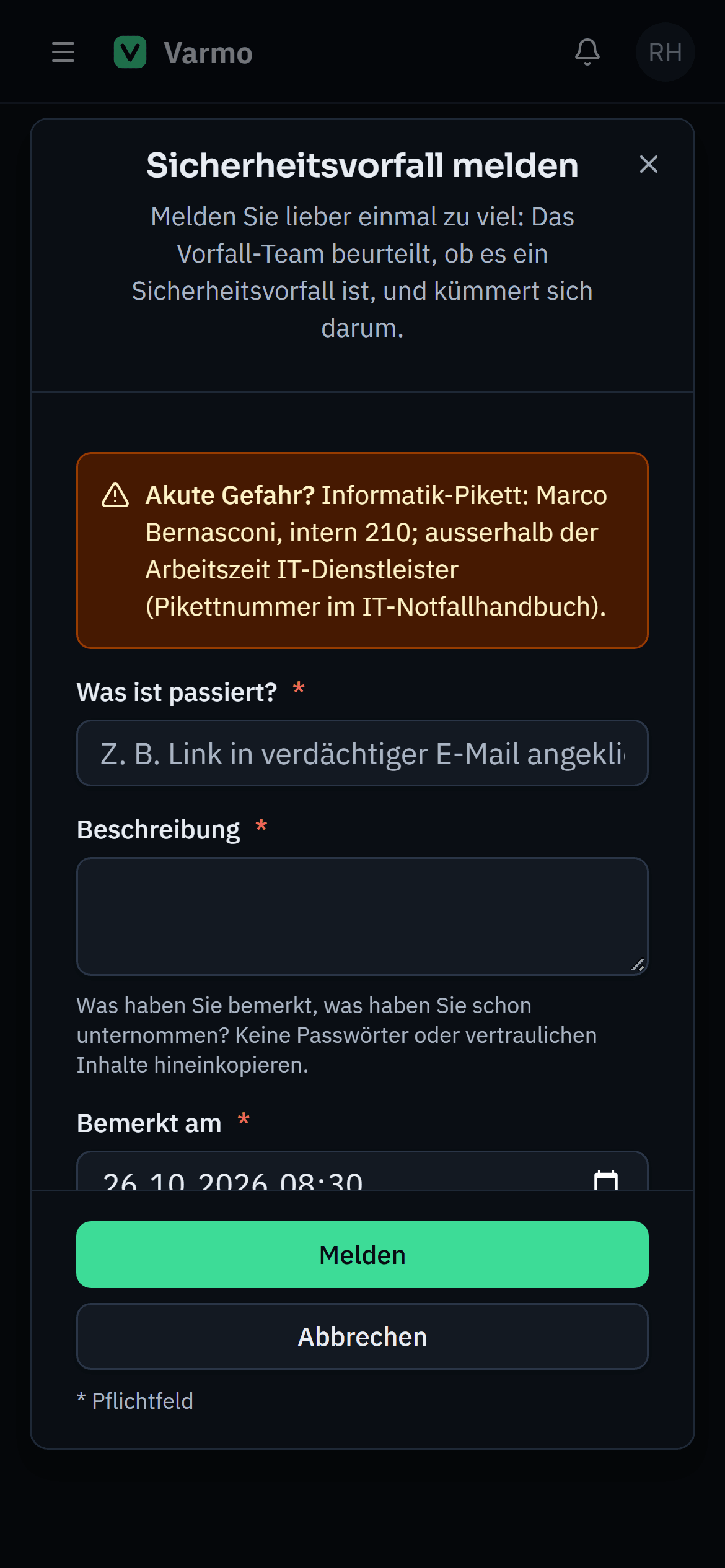
Employees report an incident in a few steps, from their phone too. After that, a fixed workflow leads from assessment through handling to follow-up, with an unchangeable log.
All employees can report incidents, from their phone too. The form shows your organisation’s emergency contact, and reporters can see the status of their report.
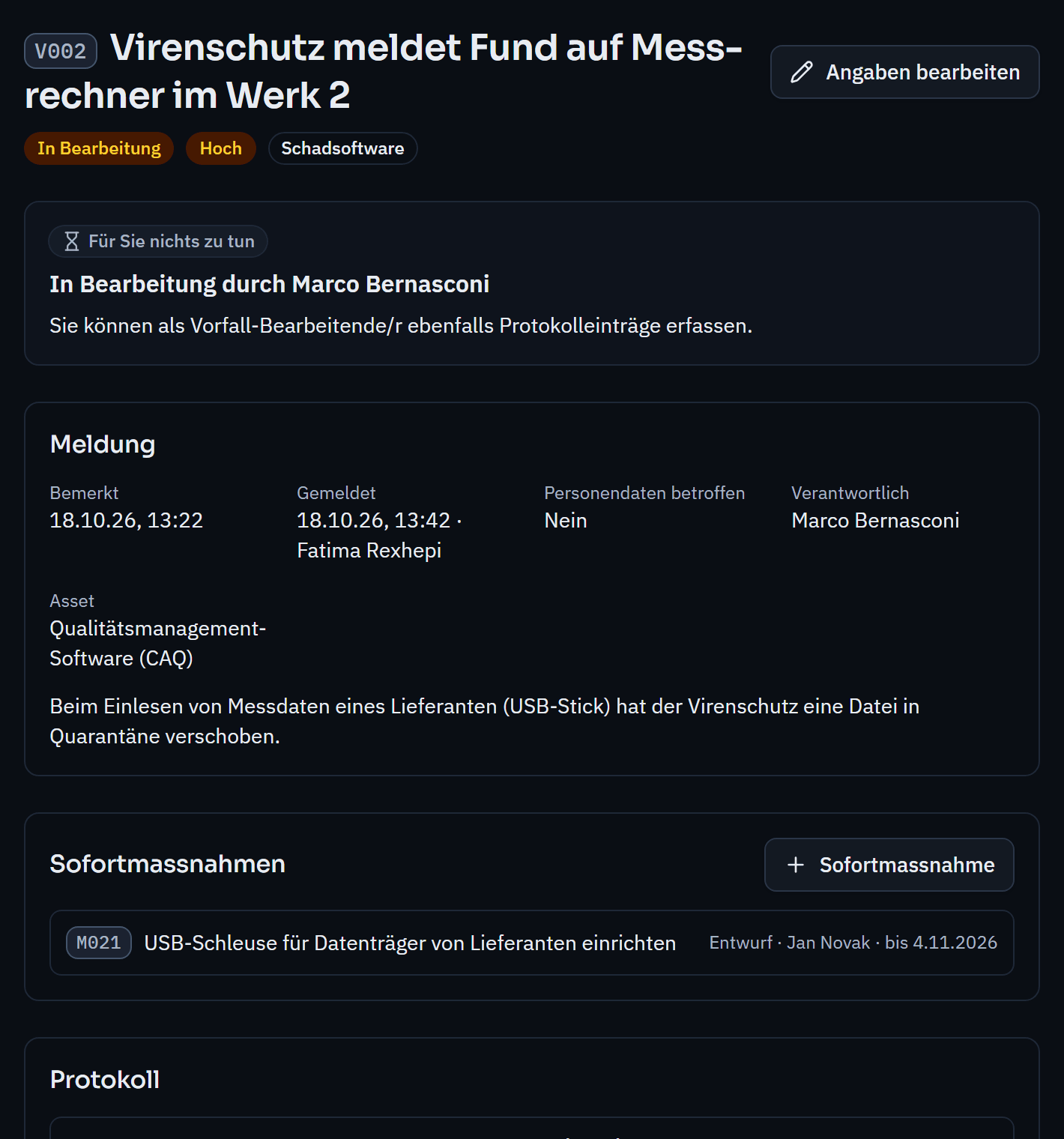
The responsible team decides: not an incident, with a reason, or an incident with category, severity, information on personal data and a responsible person.
Immediate measures and log entries record what was done. If personal data is affected, the decision on reporting to the authority is recorded: reported with date and authority, or not required, with a reason.
Cause and lessons learned are mandatory for closing. Where needed, the follow-up produces findings with corrective actions.
Incidents as an input to the management review.
Risk or incident? Both have their place.
FOCS, FINMA, FDPIC, DORA and NIS2 with start of the deadline and legal source.
The person who reported it and the incident team, i.e. the functional role your organisation designates for this. Other employees cannot see reports made by others.
Varmo records whether personal data is affected and whether, when and to which authority it was reported. You file the report itself through the authority’s reporting portal.
How close are you to ISO/IEC 27001?
In a personal demo, we show you the way to the readiness report, with no obligation. Or try it free for 30 days with every feature.