Security
Separate organisations, sign-in and support access.
Permissions depend on functional roles and on responsibility: whoever owns an asset can see it, even without a role permission. Approvals always follow the four-eyes principle, and segregation of duties is checked.
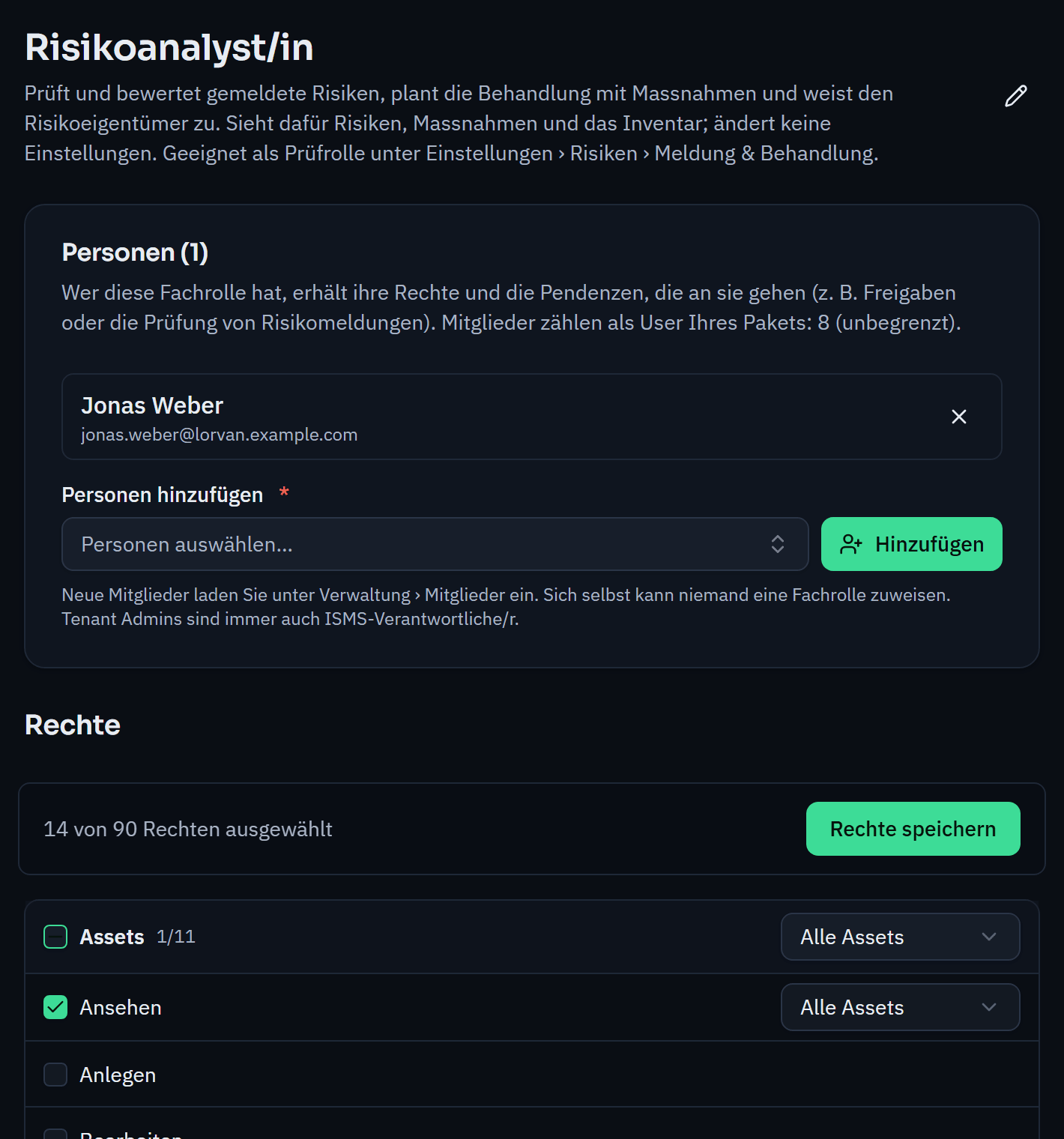
Standard roles such as ISMS manager, risk analyst, top management, data protection advisor or internal audit are set up in advance; you create your own functional roles yourself. Every permission applies to all entries or only to your own.
Whoever submits something never approves it themselves. If nobody other than those involved could approve, submission is blocked and Varmo names the missing approver, so that no case gets stuck. At the top of every workflow page you can see who is up next.
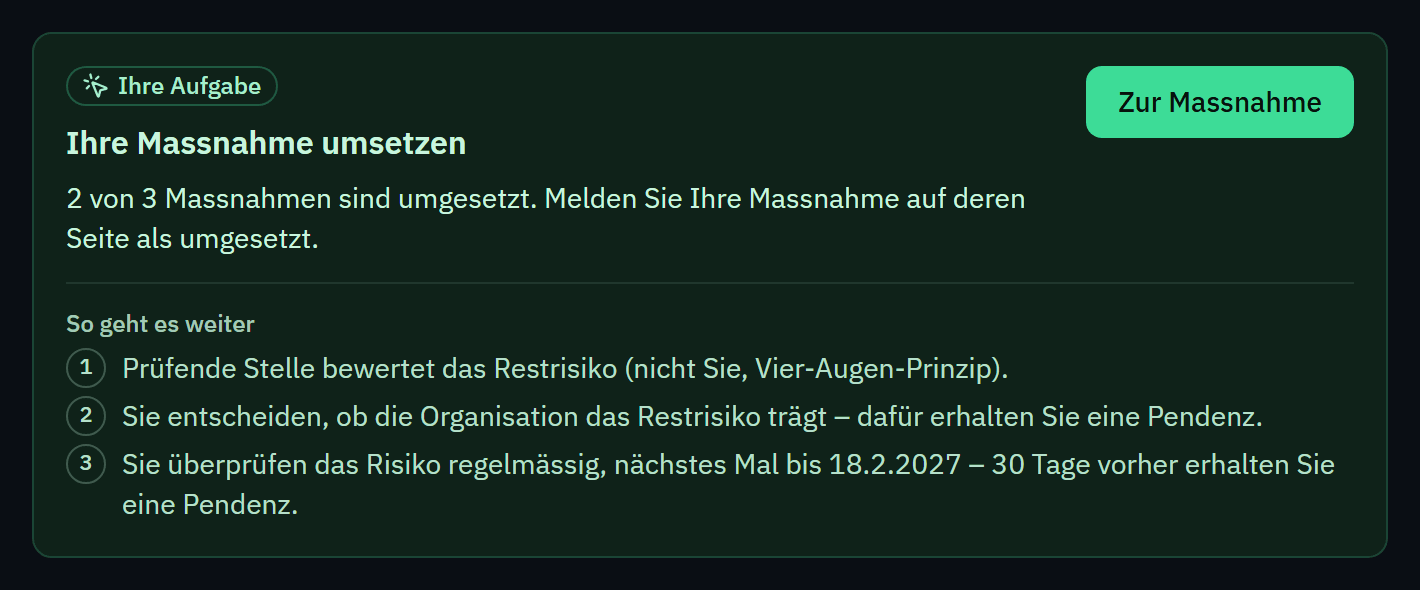
Varmo checks conflicts based on permissions and tasks, not on role names. Exceptions are recorded with a justification. Once a year, the organisation confirms the permissions it has granted.
From the Pro plan, you run several organisations under one account, such as subsidiaries, sites or departments, with strictly separated data. From Starter, you import risks, measures, exceptions, assets, findings and custom catalogues by CSV with a preview, conflicts and undo; you export lists as CSV or print them as PDF.
Separate organisations, sign-in and support access.
How roles and tasks work together.
The workflow waits, and whoever may assign functional roles receives the task to fill the role. Nobody steps in automatically, so responsibilities stay clear.
No. People who only report incidents and risks and read policies do not count. Users are people with further permissions.
How close are you to ISO/IEC 27001?
In a personal demo, we show you the way to the readiness report, with no obligation. Or try it free for 30 days with every feature.